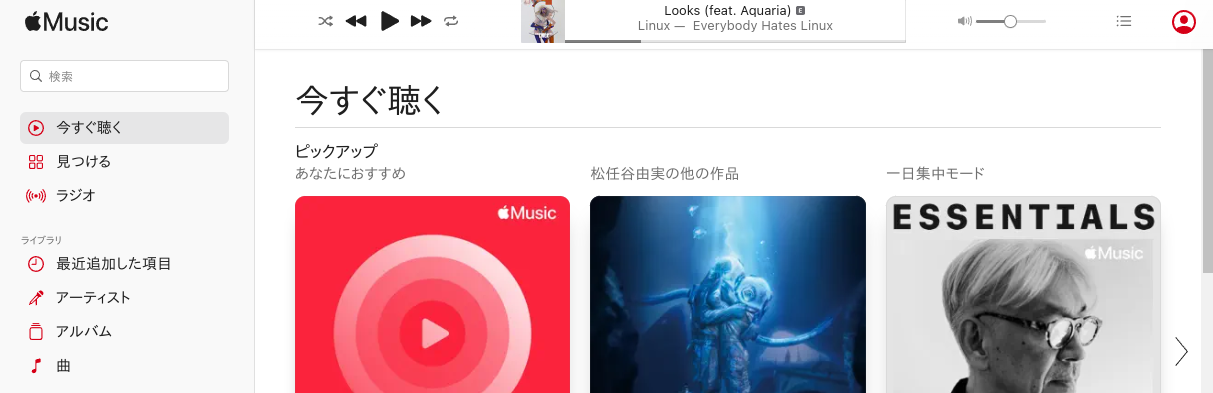
Linuxのこもった音質を改善したく、イコライザーを入れました。
PluseEffectsはソフトウェアの管理からインストール。
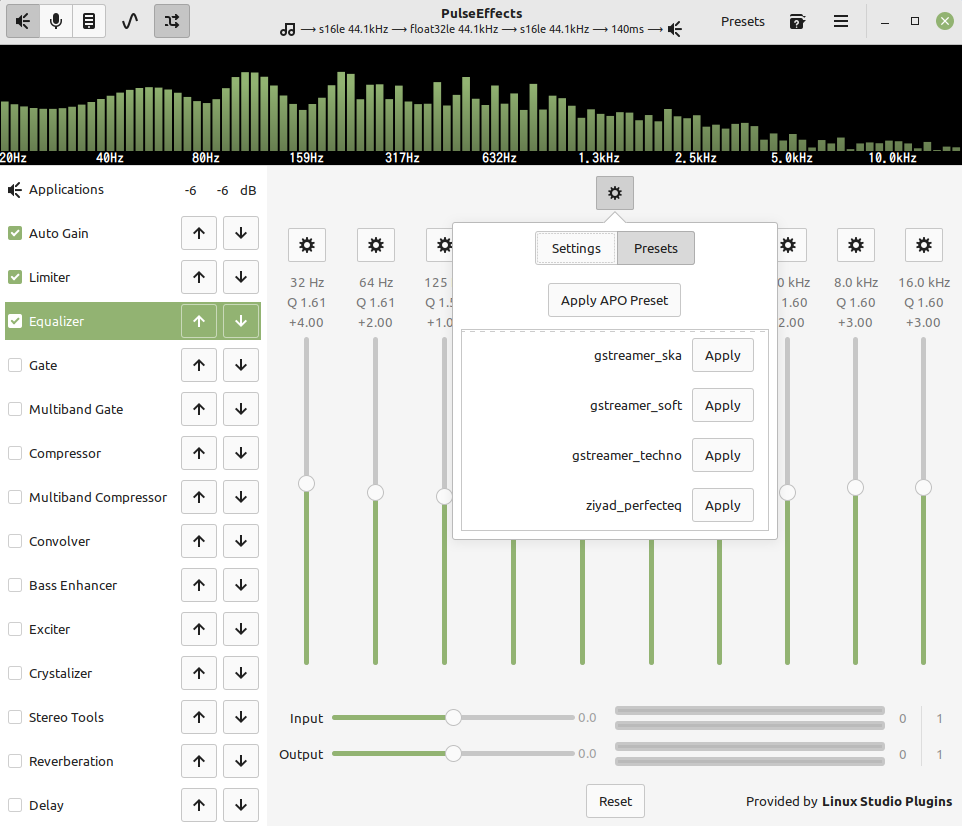
PluseEffectsを起動>AutoGain、LimiterをONにして、Equalizerをリストの上にもってきてON。
上の歯車マーク>Presets>ziyad_perfecteqをApplyする。
常に起動させておくため、メニュー>Start Service at LoginをONにしておく。
いい感じになりました。
LinuxLinuxのこもった音質を改善したく、イコライザーを入れました。
PluseEffectsはソフトウェアの管理からインストール。
PluseEffectsを起動>AutoGain、LimiterをONにして、Equalizerをリストの上にもってきてON。
上の歯車マーク>Presets>ziyad_perfecteqをApplyする。
常に起動させておくため、メニュー>Start Service at LoginをONにしておく。
いい感じになりました。